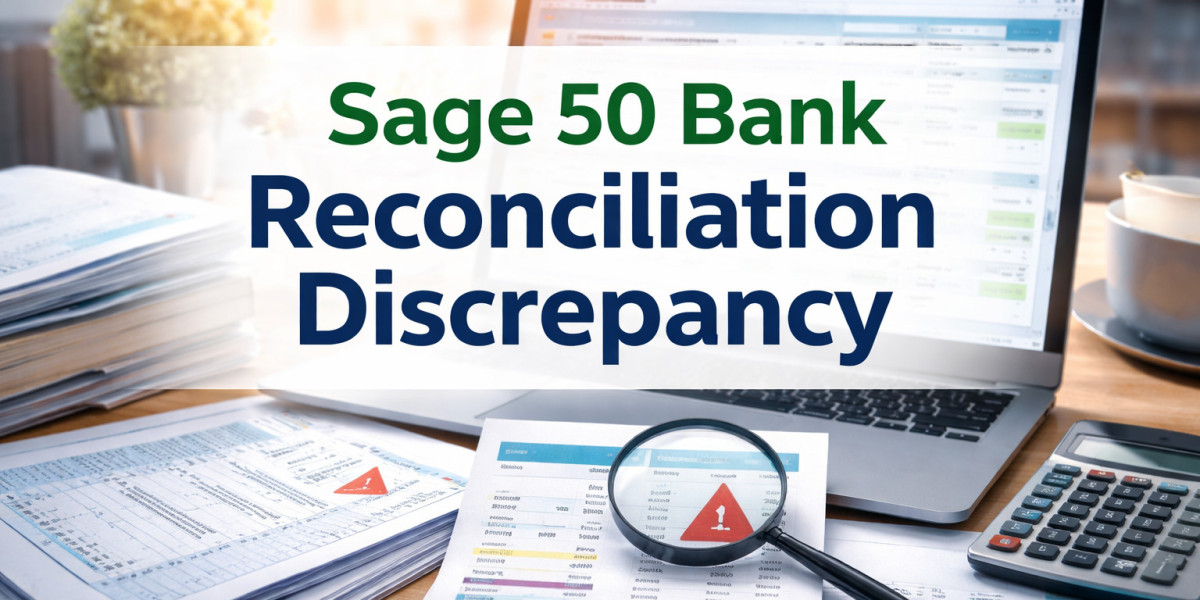

Bank reconciliation is an essential process in accounting that ensures the transactions recorded in your accounting software match the records from your bank statement. When using Sage 50, users may sometimes encounter a bank reconciliation discrepancy, where the ending balance in Sage 50 does not match the bank statement. This issue can interrupt financial reporting and create confusion when closing accounting periods. Understanding the causes and solutions can help resolve discrepancies quickly and maintain accurate financial records.
What Is a Bank Reconciliation Discrepancy in Sage 50?
A Sage 50 bank reconciliation discrepancy occurs when the calculated balance in Sage 50 differs from the balance shown in your bank statement during the reconciliation process. This mismatch may happen due to missing transactions, incorrect entries, duplicate payments, or unreconciled records. If not corrected, discrepancies can affect financial statements and make it difficult to track cash flow accurately.
Common Causes of Sage 50 Bank Reconciliation Discrepancies
Several factors can lead to discrepancies during reconciliation:
1. Missing or Unrecorded Transactions
Sometimes bank transactions such as fees, interest, or automatic withdrawals are not entered into Sage 50. When these transactions are missing, the balances will not match.
2. Duplicate or Incorrect Entries
Entering a payment or deposit more than once can create differences in the reconciliation balance. Incorrect transaction amounts can also cause mismatches.
3. Unreconciled Previous Transactions
If transactions from a previous period were not reconciled properly, they may carry forward and cause discrepancies in the current reconciliation.
4. Deleted or Modified Transactions
Editing or deleting transactions that were already reconciled can affect the reconciliation balance and lead to discrepancies.
5. Bank Service Charges or Interest
Bank fees or interest earned may appear on the bank statement but may not yet be recorded in Sage 50.
How to Fix Sage 50 Bank Reconciliation Discrepancy
Follow these steps to resolve reconciliation differences:
1. Verify the Opening Balance
Start by checking the opening balance in Sage 50 and confirm it matches the ending balance from the previous reconciliation.
2. Review All Transactions
Compare transactions in Sage 50 with those on the bank statement. Look for missing deposits, payments, or bank charges that need to be recorded.
3. Check for Duplicate Entries
Search the transaction list for duplicate entries. If duplicates exist, correct or delete the extra transaction to adjust the balance.
4. Confirm Transaction Dates
Ensure that all transactions are recorded in the correct accounting period. Transactions entered with incorrect dates can appear in the wrong reconciliation cycle.
5. Look for Unreconciled Items
Open the reconciliation window and check if any previous transactions remain unchecked. Mark them correctly if they appear on the bank statement.
6. Record Bank Charges or Interest
Add any bank service fees or interest income that appear on the bank statement but are missing in Sage 50.
Best Practices to Avoid Reconciliation Discrepancies
To prevent reconciliation issues in the future, consider these best practices:
Reconcile bank accounts regularly, preferably every month.
Enter all transactions promptly to avoid missing entries.
Avoid editing or deleting reconciled transactions.
Review reports before completing reconciliation.
Maintain regular backups of your Sage 50 company data.
Conclusion
A Sage 50 bank reconciliation discrepancy can occur due to missing transactions, duplicate entries, or unreconciled records. By carefully reviewing transactions, verifying balances, and recording bank charges accurately, most discrepancies can be resolved quickly. Maintaining consistent accounting practices and reconciling accounts regularly will help ensure that your financial records remain accurate and reliable when using Sage 50.