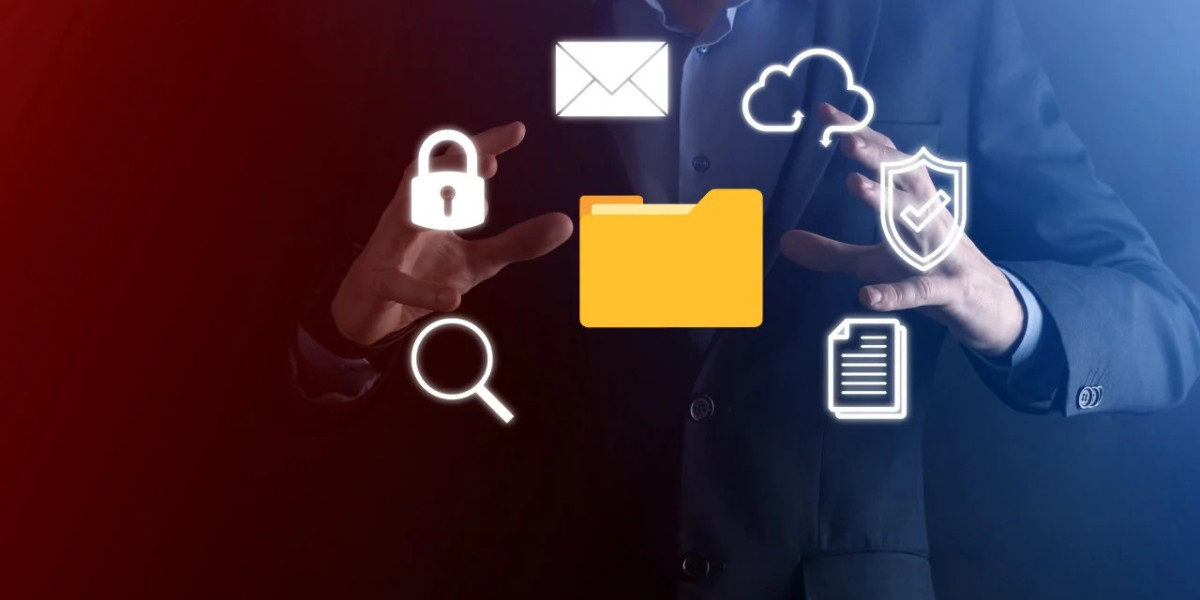

Modern offices are accepting digital transformation at an incredible pace. Document handling has become more sophisticated than ever before. Yet, with this progress comes a critical challenge: security.
Every day, offices process hundreds of sensitive documents. From confidential contracts to employee records, the stakes are remarkably high. To safeguard your company's data, advanced security features are crucial.
Let’s discuss how you can handle your documents efficiently using printers with advanced security features.
Why Secure Document Handling Is Becoming Crucial in Offices?
The workplace has evolved dramatically over recent years. Remote work and hybrid models have changed everything. Document security now extends beyond physical office walls.
According to a 2024 Ponemon Institute study, 68% of organizations experienced data breaches due to insecure printing practices. That is an alarming statistic that highlights the urgency of secure document management.
Today's offices face multiple challenges:
Increased digital workflows require robust protection mechanisms
Cloud integration demands secure transmission protocols
Compliance regulations mandate strict access controls
Remote printing creates new vulnerability points
Multi-device access expands potential security risks
Traditional document handling methods simply can't keep pace. Paper-based systems lack accountability. Basic digital systems offer minimal protection. The solution? Advanced security features integrated into modern office equipment.
How Advanced Security Features Improve Document Handling?
Security-enhanced scanning and printing revolutionize office operations. Let's discuss the features that make this possible.
User Authentication & Access Control
User authentication stands as your first line of defense. Modern office equipment requires employees to verify their identity before accessing documents.
Here is how it works brilliantly:
PIN codes ensure only authorized personnel retrieve prints
Biometric scanners provide foolproof identity verification
Smart card readers enable seamless yet secure access
Mobile authentication allows remote yet protected document release
Multi-factor authentication adds extra security layers
This approach eliminates a common problem. Documents no longer sit unattended in output trays. Sensitive information stays protected until the right person collects it.
Secure Scan-to-Email & Cloud Integration
Cloud integration has transformed document sharing. However, it must be done securely. Advanced features ensure your files remain protected during transmission.
Modern scanning systems offer wonderful security measures:
End-to-end encryption protects documents in transit
Secure email protocols prevent unauthorized interception
Direct cloud upload eliminates vulnerable intermediate steps
Permission-based sharing controls document access rights
Automatic recipient verification ensures delivery to the correct addresses
Integration with popular cloud platforms is remarkably smooth. Microsoft OneDrive, Google Drive, and Dropbox all support encrypted transfers. Your team enjoys convenience without sacrificing protection.
Audit Trails & Activity Monitoring
Audit trails provide complete visibility into document activities. Every scan, print, and copy gets recorded automatically.
This creates an amazing accountability system:
Timestamp records show exactly when documents were processed
User identification tracks who accessed specific files
Action logs detail what operations were performed
Device tracking identifies which equipment was used
Failed access attempts highlight potential security threats
Real-world example: A financial services firm in Dubai implemented audit trail features. Within three months, they identified unauthorized document access attempts. The system saved them from potential regulatory penalties.
Data Encryption & Automatic Data Erasure
Data encryption protects documents at rest and in motion. Modern office equipment encrypts files before storing them temporarily.
Key protective features include:
256-bit AES encryption provides military-grade protection
Encrypted hard drives secure temporarily stored documents
Secure communication channels protect network transmissions
Automatic data wiping removes files after processing
Scheduled erasure protocols ensure no data remains on devices
Automatic data erasure is particularly valuable. Office equipment processes countless documents daily. Each one potentially leaves traces on internal storage.
Advanced systems automatically delete these files. This feature addresses a critical vulnerability. Decommissioned equipment won't leak confidential data.
Why Offices Benefit More from Secure Printers on Rental
Purchasing secure office equipment requires substantial capital investment. Rental options offer a smarter, more flexible approach.
Latest Security Upgrades Without Heavy Investment
Printer rental provides access to cutting-edge security features. You don't need massive upfront costs to protect your documents.
Consider these wonderful advantages:
Immediate access to enterprise-grade security features
No depreciation concerns as equipment stays current
Predictable monthly expenses simplify budget planning
Latest firmware versions come pre-installed
Professional setup ensures optimal security configuration
Technology evolves rapidly. Rental agreements let you upgrade equipment as threats evolve. This flexibility proves invaluable for growing businesses.
Regular Maintenance & Firmware Updates
Maintenance services keep security features functioning optimally. Rental providers handle updates, patches, and technical support.
Key maintenance benefits include:
Automatic firmware updates close security vulnerabilities quickly
Regular security patches protect against new threats
Professional troubleshooting resolves issues immediately
Performance optimization ensures consistent protection
Compliance updates keep systems regulation-ready
Your IT team can focus on core business technology. The rental provider handles equipment security updates.
Scalability for Growing Document Needs
Business growth creates expanding document handling requirements. Rental solutions scale beautifully with your needs.
Scalability advantages include:
Easy equipment additions support team expansion
Flexible upgrade paths accommodate increased volumes
Seasonal adjustments handle fluctuating demands
Multi-location support ensures consistent security across offices
Cost-effective scaling avoids major capital expenditures
Compliance-Ready Printing Environment
Regulatory compliance demands specific security measures. Rental providers ensure equipment meets industry standards.
Compliance benefits include:
GDPR-compliant document handling protocols
HIPAA-ready features for healthcare organizations
ISO-certified security implementations
Industry-specific configurations available
Audit support documentation provided automatically
Rental agreements can include compliance-specific configurations. Your equipment arrives ready to meet regulatory standards.
Upgrade the Way Your Office Handles Documents
How Advanced Security Features Improve Document Handling? The answer is clear: they transform vulnerable processes into protected, efficient workflows. Modern offices deserve modern solutions. Security shouldn't compromise convenience. With advanced features, you get both simultaneously.
Visit our website if you need more information or need a secure and practical system to handle your office documents.