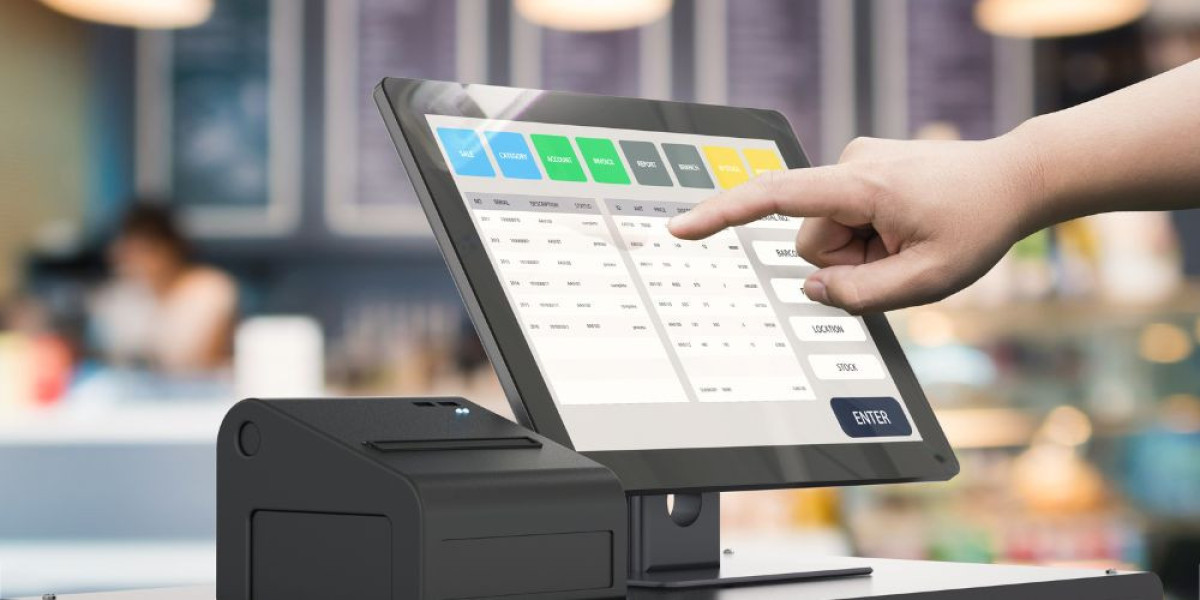

Running a small business today involves much more than selling products or providing services. Business owners are expected to manage payments, track sales, control inventory, handle staff, and understand customer behavior, often all at the same time. Doing these tasks manually can quickly become confusing and time-consuming, especially as a business grows. This is why many small business owners turn to modern point-of-sale systems to simplify daily operations and stay organized.
A point-of-sale system acts as the center of a business’s daily activity. It is where payments are processed, sales are recorded, and important data is collected. Choosing the right POS system can make everyday work easier, reduce mistakes, and give owners better control over their business. One solution that many small businesses consider is the Clover POS system, which is designed to combine payment processing with business management tools in a single setup.
Understanding the Clover POS System
The Clover POS system is a modern, cloud-based point-of-sale solution created to help small and medium-sized businesses accept payments and manage operations from one platform. Instead of using separate tools for payments, inventory, and reporting, Clover brings these features together in one system. It works through connected hardware devices and software applications that handle both in-store and mobile transactions.
Because the system is cloud-based, business data is saved online and updated in real time. This means owners can check sales, reports, or inventory from anywhere using an internet connection. This setup is especially useful for business owners who manage more than one location or cannot always be present at their store.
How the Clover POS System Works
The Clover POS system works by combining physical devices with easy-to-use software. When a customer makes a purchase, the system processes the payment, records the sale, and updates inventory automatically. At the same time, sales data is stored in the cloud, making it available for reports and analysis.
The system supports many payment types, including credit cards, debit cards, and contactless payments such as tap-to-pay. This allows businesses to serve customers quickly and offer flexible payment options. The smooth flow between payment processing and record keeping helps reduce errors and saves time for staff and owners alike.
Hardware Options for Different Business Needs
One of the strengths of the Clover POS system is the range of hardware options available. Businesses can choose devices based on how and where they operate. Countertop setups are ideal for retail stores and restaurants that process payments at a fixed location. These devices usually include a touchscreen for staff and a display for customers to review their orders and complete payments.
For businesses that need mobility, such as food trucks, pop-up shops, or service providers, portable devices are available. These smaller units allow owners to accept payments anywhere with an internet connection. Having flexible hardware options makes it easier for businesses to choose a setup that matches their daily workflow.
Software Features That Support Daily Operations
The software behind the Clover POS system is designed to be simple and easy to navigate. The main dashboard allows owners to view sales activity, manage products, and track performance without needing advanced technical skills. The clear layout helps staff learn the system quickly, which reduces training time.
The system also allows business owners to customize settings based on their needs. Taxes, discounts, and item categories can be adjusted to match local rules and business policies. This level of control helps ensure that transactions are processed correctly and consistently.
Inventory and Product Management
Managing inventory is one of the biggest challenges for small businesses. The Clover POS system includes built-in tools that help track products and stock levels automatically. Each sale updates inventory counts, making it easier to know what items are available and what needs to be reordered.
Business owners can organize products by category, add variations such as size or color, and set alerts for low stock. This helps prevent running out of popular items and reduces the risk of over-ordering. For food and beverage businesses, menu items and modifiers can be updated quickly without disrupting service.
Employee and Staff Management
The Clover POS system also supports employee management by allowing owners to create individual staff profiles. Each employee can be assigned specific permissions, which helps control access to sensitive actions such as refunds or price changes. This adds an extra layer of security and accountability.
The system can track employee hours and sales activity, making it easier to review performance and prepare payroll information. By having all this data in one place, owners can better manage staffing needs and improve overall efficiency.
Customer Experience and Relationship Tools
Building strong customer relationships is important for long-term success. The Clover POS system helps businesses collect basic customer information during checkout, with permission. This data can be used to recognize returning customers and understand buying patterns.
Some businesses use these tools to create loyalty programs or offer special promotions. By rewarding repeat customers and staying connected, small businesses can encourage repeat visits and build trust with their audience.
Reporting and Business Insights
Having access to clear and accurate reports helps business owners make better decisions. The Clover POS system provides reports that show sales trends, best-selling items, and busy hours. These insights help owners understand what is working and where improvements may be needed.
Reports are generated automatically, saving time and reducing the need for manual tracking. Owners can review daily summaries or compare performance over longer periods to plan staffing, pricing, or promotions more effectively.
Customization Through Apps and Integrations
The Clover POS system can be expanded through additional applications that add new features. These apps allow businesses to connect tools for accounting, marketing, or online ordering directly to their POS system. This flexibility makes it possible to adjust the system as business needs change.
Many business owners explore different configurations of the clover pos system to find the setup that best supports their operations. Choosing the right combination of tools can improve efficiency without adding unnecessary complexity.
Payment Processing and Security
Secure payment processing is essential for protecting customer information. The Clover POS system uses security measures that help protect payment data during transactions. This reduces the risk of fraud and helps businesses meet industry security requirements.
Supporting modern payment methods also improves the customer experience. Fast and secure checkout encourages customer confidence and keeps lines moving, which is especially important during busy hours.
Is the Clover POS System Right for Your Business?
The Clover POS system is designed to support many types of small businesses, including retail stores, restaurants, and service providers. Its combination of payment processing, business tools, and flexible hardware makes it suitable for businesses at different stages of growth.
However, it is important for owners to review costs, features, and long-term needs before choosing a POS system. Understanding how the system fits your daily operations will help ensure you get the most value from your investment.
Final Thoughts
Choosing the right POS system can have a major impact on how smoothly a business runs. The Clover POS system offers a practical solution for small business owners who want to manage payments and operations from one platform. With the right setup and planning, it can help save time, reduce errors, and support business growth over the long term.