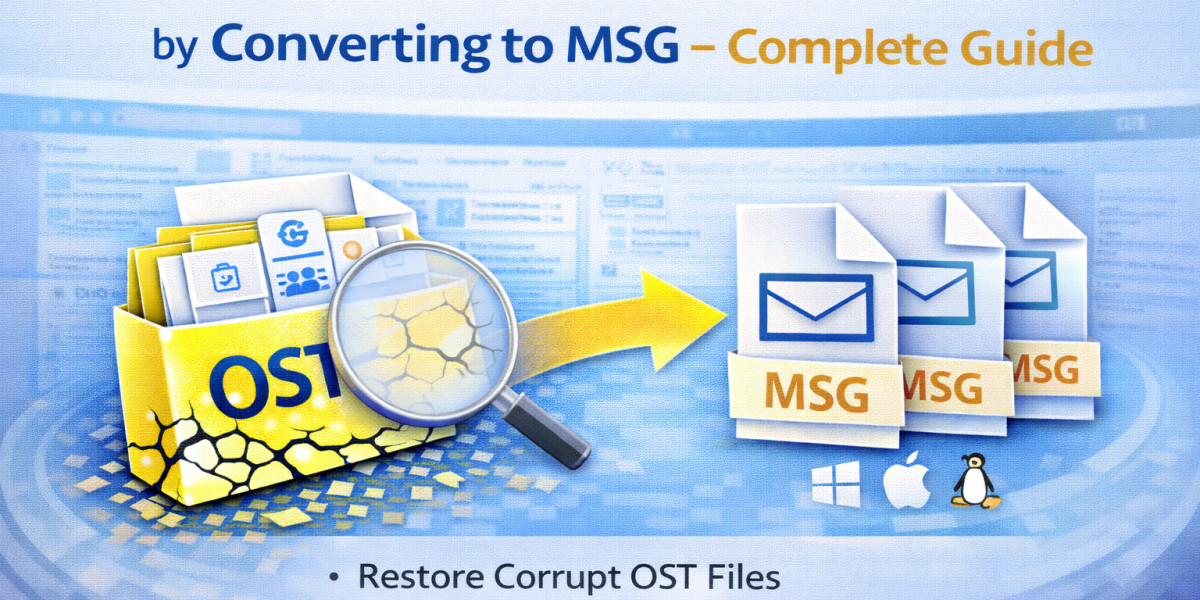

Microsoft Outlook makes OST files (Offline Storage Tables) when it is connected to Exchange Server, Microsoft 365, or IMAP accounts. These files keep the mailbox data in sync on the user's computer, so they can work even when they are not connected to the internet. But problems happen when the Exchange account is no longer accessible, or the Outlook profile is deleted. In these cases, users are left with an OST file that they can't open on their own.
In these situations, you need to convert the OST file into a format that you can use to get back to your email data. MSG is a useful and flexible format that keeps each Outlook email in its own file. When you convert OST to MSG, you can open, store, share, and manage emails one at a time.
This guide tells you why you need to convert, how to do it manually, and what other methods can make the recovery process easier.
Why Converting OST to MSG Helps in Email Recovery
It's important to know why the MSG format is useful before you learn how to use it.
MSG files:
- One email per file
- You can open it right in Microsoft Outlook.
- Keep attachments and formatting safe
- Keep the email's metadata (To, From, Date, Subject)
- They are easy to save and share
When an OST file is left behind (for example, when an Exchange account is deleted), converting emails to MSG format lets you recover only what you need and access it on your own.
When Do You Need to Recover OST Emails?
Some common situations are:
- The account for Exchange Server is disabled or deleted
- Corrupted Outlook profile
- Only the OST backup is available after a system crash
- Moving to a different Outlook environment
- Need to get certain emails for business or legal reasons
In these situations, you can't get to the OST file directly without converting it first.
Manual Method to Convert OST Emails into MSG
If you still have Outlook installed and can get to the account, you can save emails as MSG files by hand. You can only use this method if the OST file is still linked to a working Outlook profile.
Step 1: Open Outlook with the Original Profile
- Start Microsoft Outlook.
- Make sure that the mailbox is completely in sync.
- Check to see that you can see all of your folders and emails.
This method won't work if the Exchange account has already been deleted.
Step 2: Select the Required Email for Recover
- Go to the folder you want.
- Click on the email you want.
You can choose more than one email if you need to.
Step 3: Drag and Drop Emails as MSG Files
- Drag the email you want to Outlook.
- Put it on your desktop or in any folder.
It saves it in MSG format automatically.
Alternatively:
- Open the email.
- Click on "File" and then "Save As."
- Pick the Outlook Message Format (.msg) option.
- Keep the file.
Step 4: Access the Saved MSG File
- To open the saved MSG file, double-click it.
- You will be able to open it right away in Outlook.
You can now get to that email on your own.
Limitations of the Manual Method
The manual approach is easy, but it has some problems:
- Needs an active installation of Outlook
- Needs an Exchange profile that is connected
- Can't get back orphaned OST files
- Takes a long time to extract bulk emails
- Not useful for mailboxes that are big
- No automatic export to folders
This method won't work if you can't get to the OST file or if Outlook can't open it.
Alternative Method for Recovering OST Emails to MSG
You need to use a direct conversion method when Outlook isn't working or the OST file is lost. Specialized tools can read OST files on their own and export mailbox items to MSG format.
For instance, MailsClick Convert OST File to MSG lets users get emails straight from OST files and save them as separate MSG files without having to install Outlook.
Most of the time, these tools give you:
- Help for OST files that are orphaned or cannot be accessed
- Converting a whole mailbox in bulk
- Exporting only certain folders
- Keeping attachments safe
- Maintenance of original email properties
- Keeping the folder hierarchy
This method is very useful when you need to get back a lot of email data.
Steps to Follow When Using a Direct Conversion Tool
The basic steps in the workflow are usually:
- Install the software on your computer and run it.
- Find the OST file and choose it.
- Look at the contents of the mailbox.
- Select MSG as the format for the output.
- Choose a folder to send the files to.
- Begin the process of converting.
After the process is done, each email will be saved as a separate MSG file that can be opened in Outlook.
Conclusion
When the original Outlook profile or Exchange account is no longer available, it becomes hard to get back and read OST emails. Because OST files are tied to profiles, you can't open them on their own without the right tools or conversion.
If you can still get into Outlook, you can manually save emails as MSG files to get some of your data back. A direct OST to MSG conversion approach, on the other hand, works better for orphaned or large OST files.
Users can get structured access to their mailbox data again by converting OST emails to MSG format. This keeps the properties and attachments of the emails.